Invoice generator

Create and download professional invoices in seconds

Add your details, preview your invoice and download a polished PDF.

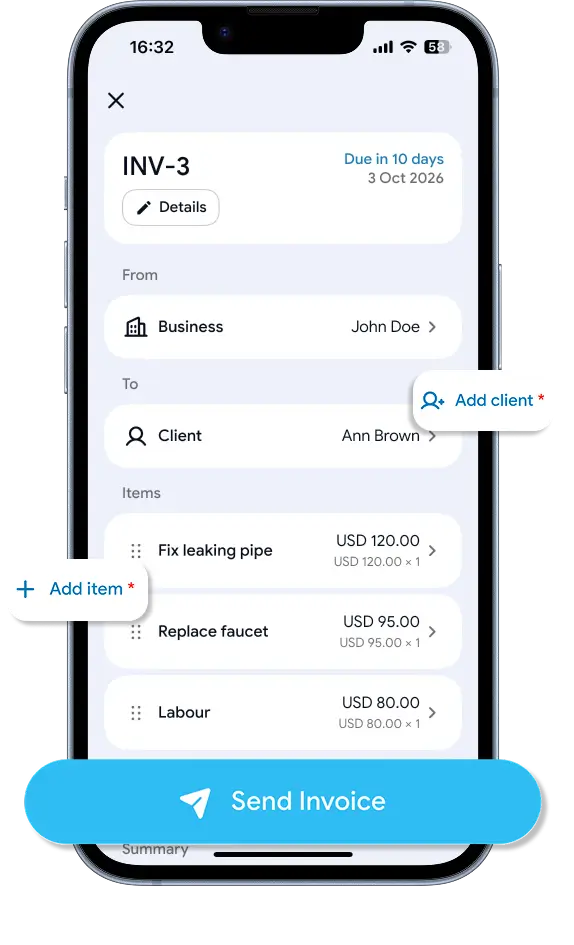
An invoice being built in the Billby app, with prompts to add a client and add an item

The paperwork costs more than the paper

Billby can’t make a slow payer pay. It can get the invoice out while you’re still on the driveway, with the lines itemised and a due date on it — which is where most of the argument starts.

67%
of businesses deal with late payments
$17,500
average outstanding balance
5h 20m
a week spent on business admin

Everything you need to create professional invoices

Create, customize and download professional PDF invoices with our free online invoice generator. From adding your business details to calculating totals, Billby makes invoicing simple.

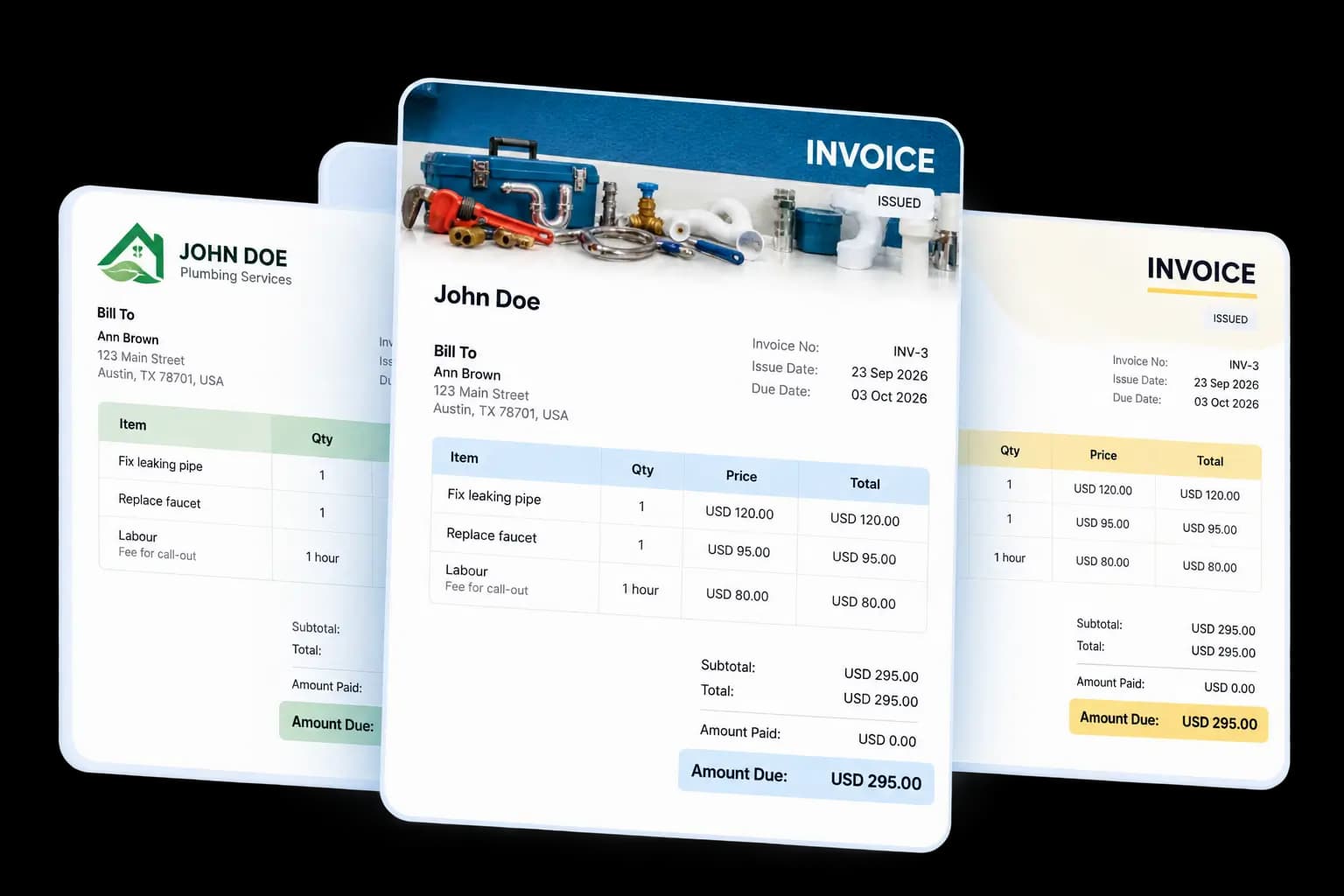
Three invoice previews fanned out, each with line items, subtotal and amount due

01 · PDF preview

Preview your invoice before downloading

Create professional invoices with a live PDF preview that updates as you enter your details. See exactly how your invoice will look, review every line item and make changes before downloading your finished PDF.
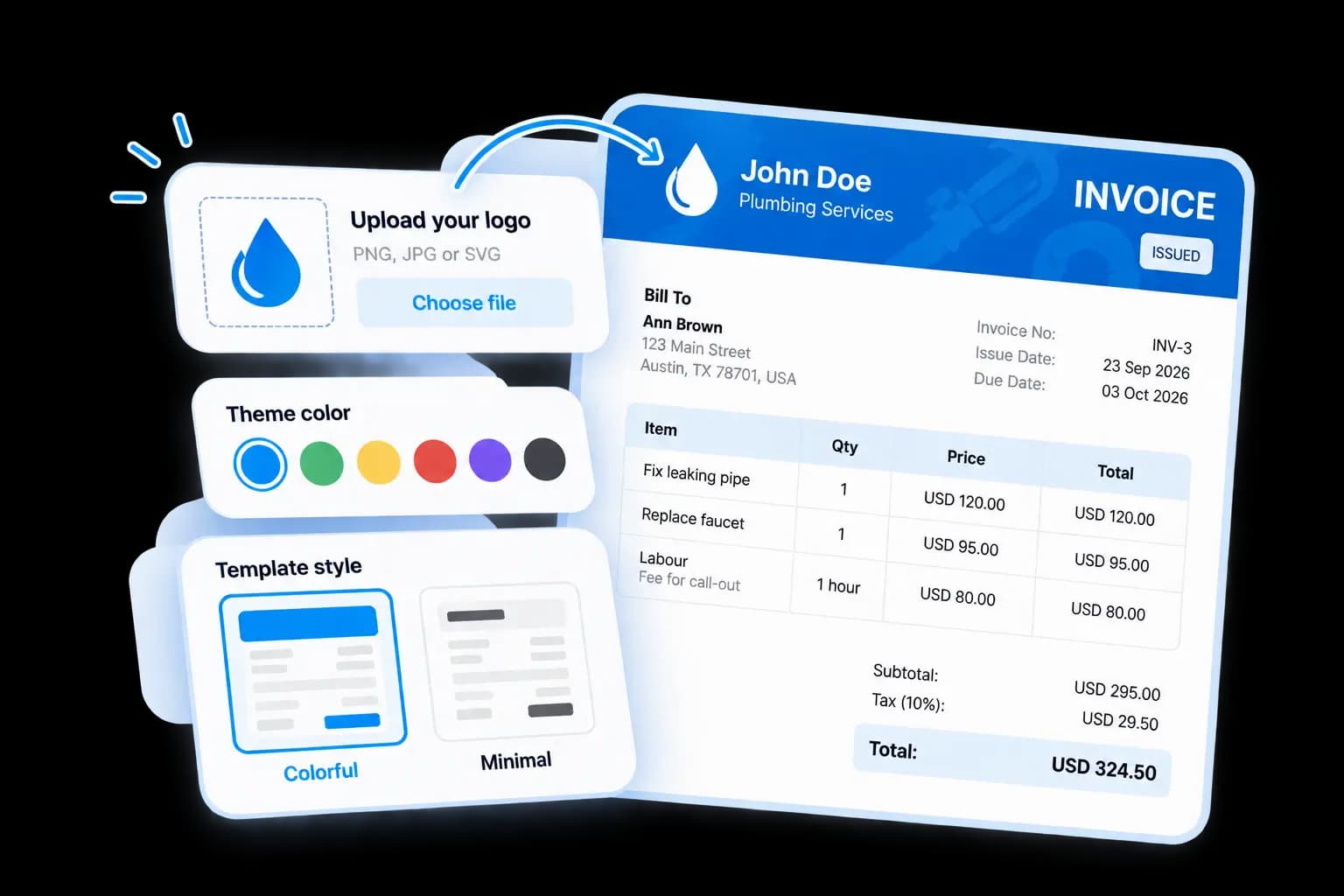
Logo upload, theme colour swatches and a Colorful or Minimal template choice, applied to an invoice

02 · Customization

Make every invoice your own

Give your invoices a professional look that reflects your business. Upload your company logo, choose your preferred colors and customize your invoice using our professional templates. Whether you prefer a colorful design or a clean, minimal layout, create invoices that match your brand.

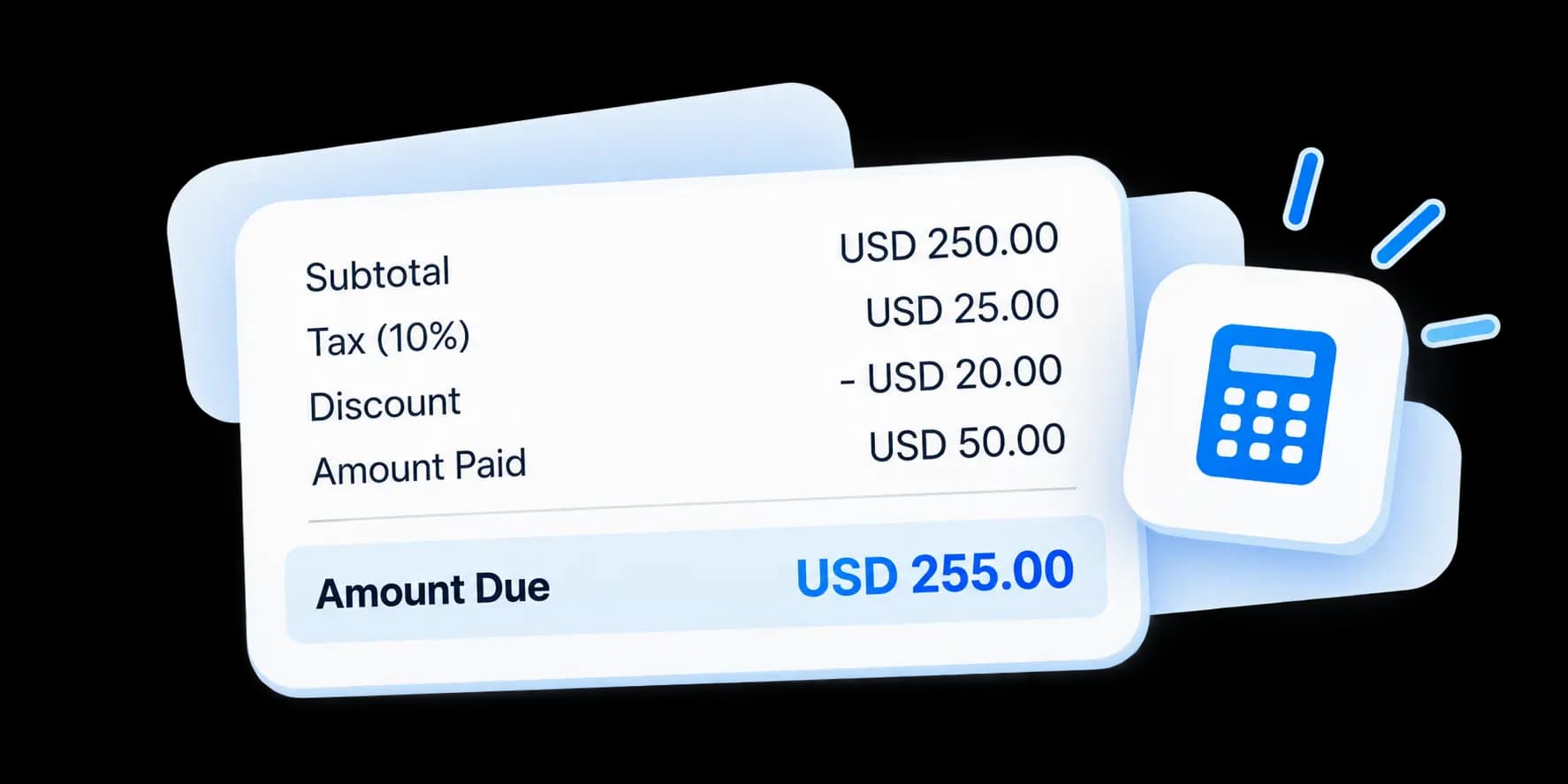
An invoice totals panel showing subtotal, tax, discount, amount paid and the amount due

03 · Calculations

Automatic invoice calculations, zero guesswork

Spend less time calculating and more time running your business. Billby automatically calculates subtotals, taxes, discounts and the remaining balance as you add items or update prices. Every change is reflected instantly, so your invoice totals stay accurate without manual calculations.

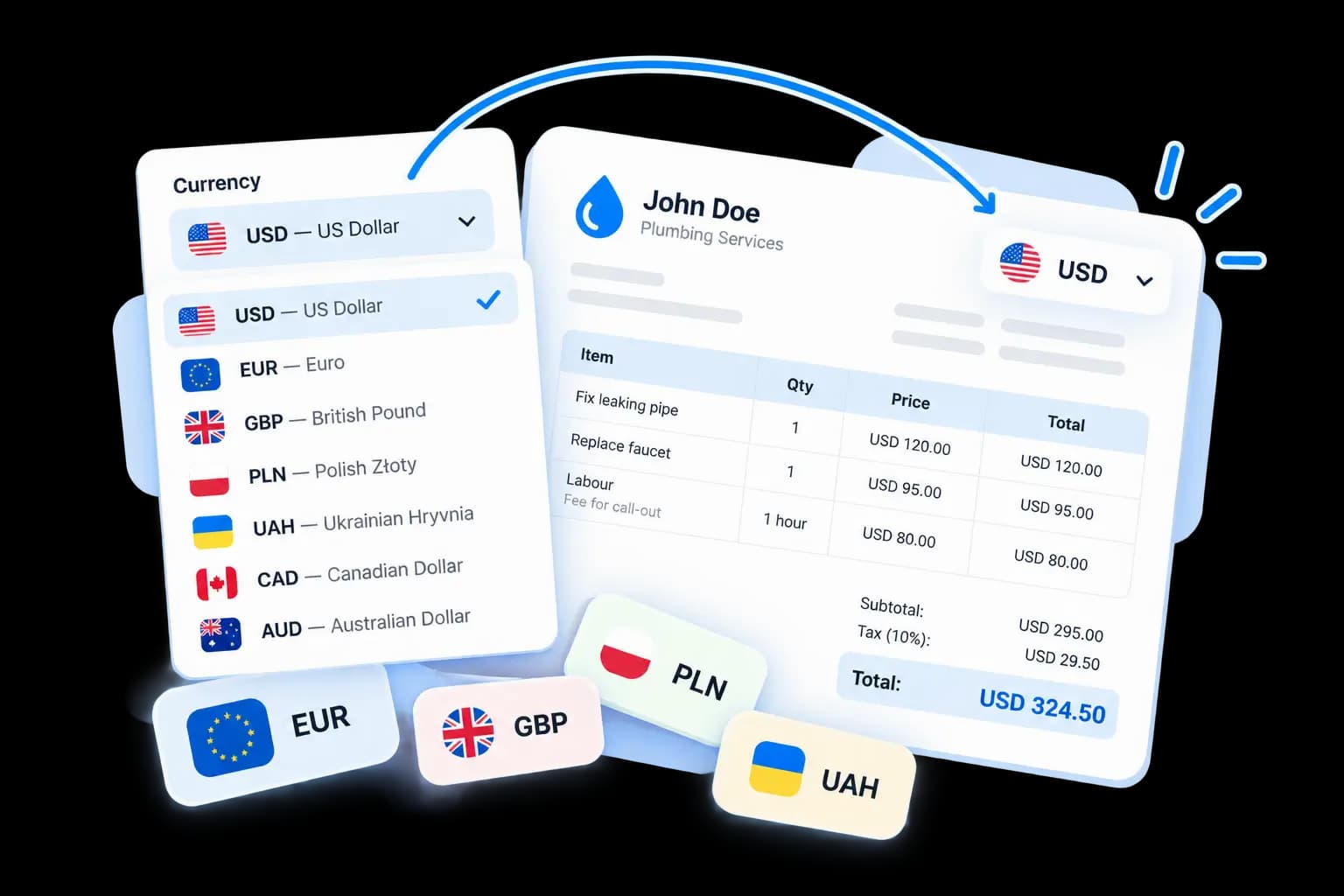
A currency picker listing USD, EUR, GBP, PLN, UAH, CAD and AUD, with the choice applied to an invoice

04 · Currencies

Create invoices in multiple currencies

Invoice local and international clients in their preferred currency. Choose from USD, EUR, GBP, PLN, UAH and more. Billby automatically formats currency symbols and amounts, making it easy to create professional invoices for customers around the world.

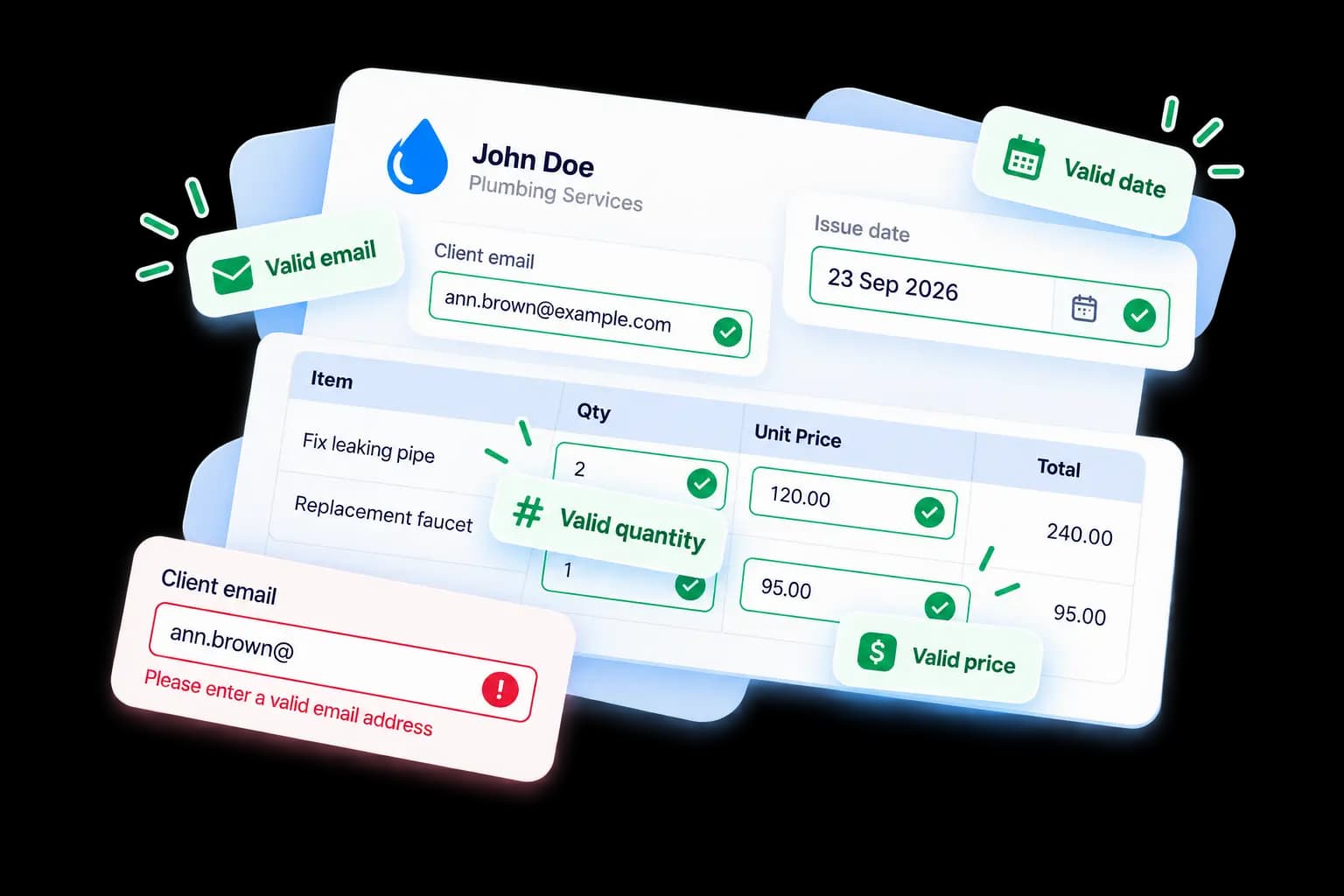
Invoice fields marked as valid email, date, quantity and price, beside an email field flagged as invalid

05 · Validation

Catch mistakes before downloading

Avoid common invoicing mistakes with built-in field validation. Billby checks important details, including email addresses, invoice dates, quantities and prices, helping you identify missing or incorrect information before generating your PDF invoice.

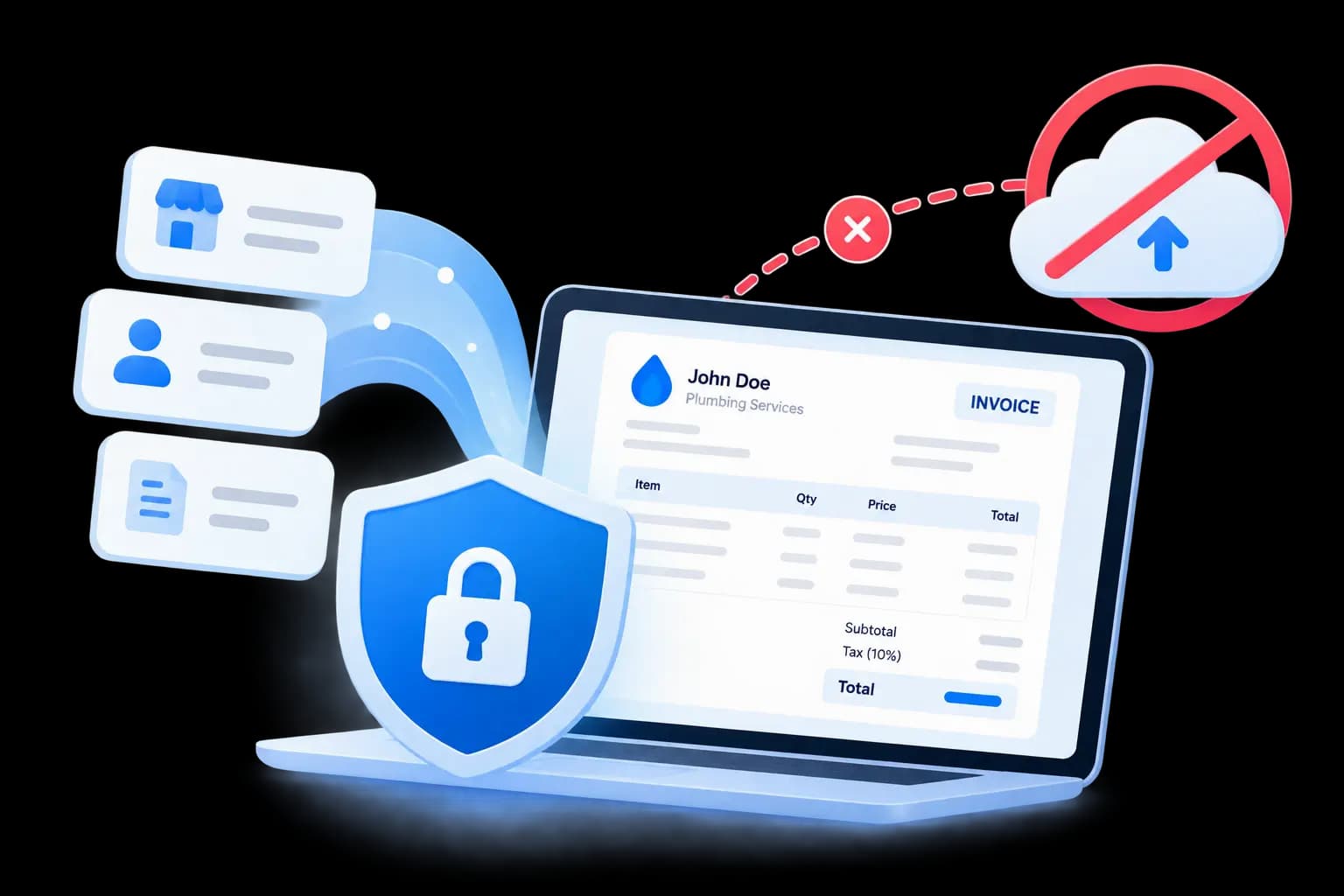
An invoice built on a laptop behind a padlock shield, with upload to the cloud blocked

06 · Privacy

Your invoice data stays private

Create invoices directly in your browser without uploading your business or customer information to our servers. Your invoice details are processed locally on your device, giving you control over your data while you create and download professional PDF invoices.

More than 20 templates

Professional invoice templates for every business

A few of the styles you’ll find in the Billby app. Pick a look your clients will remember. Tap any template to get started on mobile.

Billby mobile

Invoicing that fits in your pocket

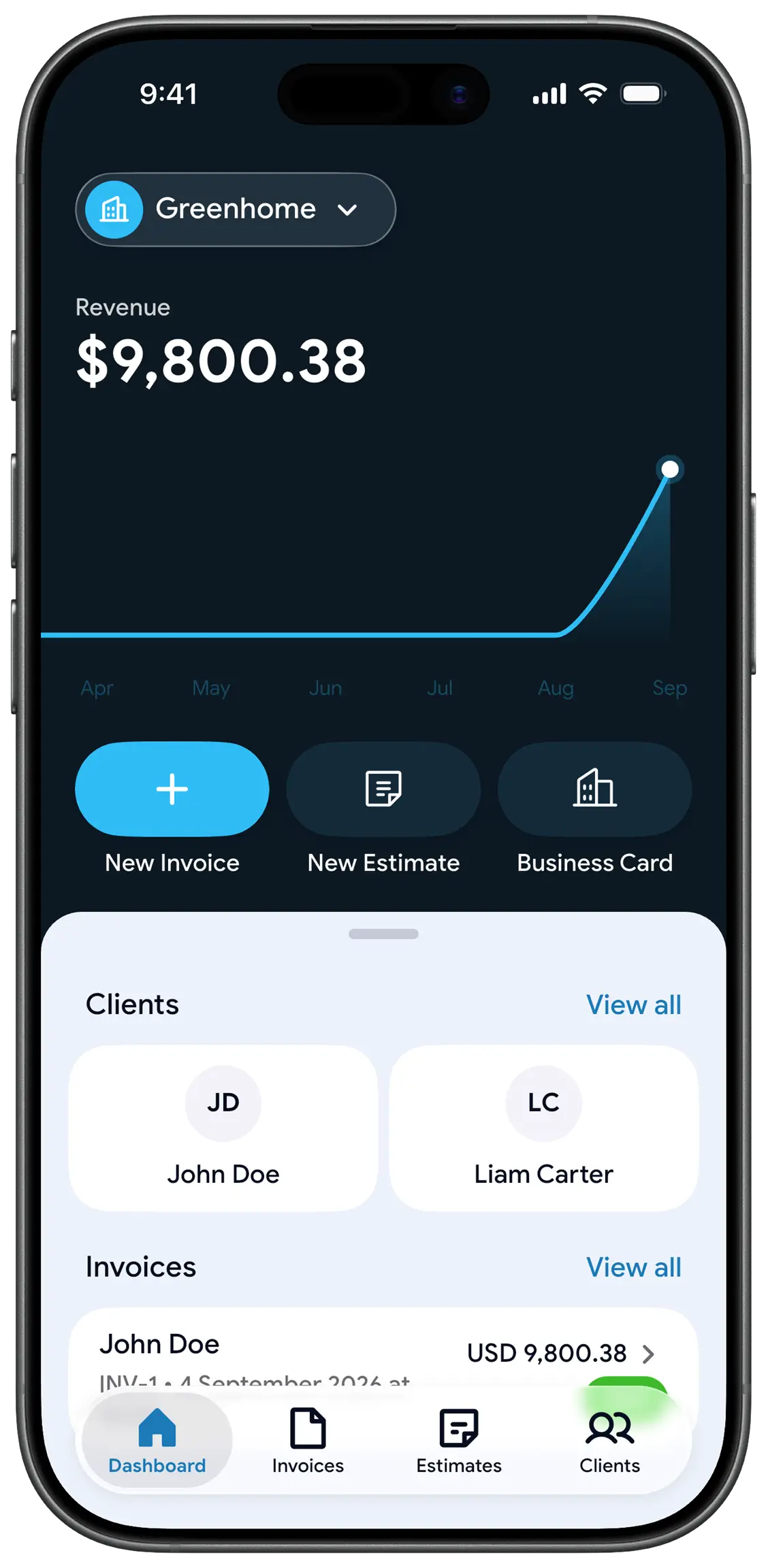
The web generator is just the start. With the Billby app you invoice on the go, pick from 20+ templates, track every invoice, and watch your revenue grow.

  • 20+ invoice templates
  • Estimates & clients
  • Revenue dashboard
  • Invoice status tracking
The Billby app dashboard on an iPhone, showing revenue, clients and recent invoices

Frequently asked questions

Is the invoice generator really free?

Yes. You can create and download unlimited invoices as PDF for free, with no account or sign-up required.

How do I download my invoice as a PDF?

Fill in the form and click “Download PDF”. Your invoice is generated in your browser and saved straight to your device as a ready-to-send PDF file.

Can I add my company logo?

Yes. Upload a PNG, JPG, SVG or WebP logo up to 1 MB and it appears at the top of your invoice.

Is my data stored anywhere?

No. The generator runs entirely in your browser — your business and client details are never uploaded to a server.